Luka Jankovic
ed7e8bae54
Luka Jankovic
ed7e8bae54
Some checks are pending
Test / test (linux, []) (push) Waiting to run
Test / test (linux, [null portal uinput x11]) (push) Waiting to run
Test / test (linux, [null]) (push) Waiting to run
Test / test (linux, [portal]) (push) Waiting to run
Test / test (linux, [uinput]) (push) Waiting to run
Test / test (linux, [x11]) (push) Waiting to run
Test / test (windows, []) (push) Waiting to run
Test / test (windows, [null]) (push) Waiting to run
This commit introduces a complete systemd user service setup for
remote-touchpad, eliminating the need for users to manually manage
the binary process. Key additions:

- New rts CLI wrapper script providing a user-friendly interface
  for service management without requiring root access
- Systemd service file for proper background operation with
  restart policies and dependency management
- Service management commands: install, start, stop, status,
  restart, and uninstall
- URL extraction and QR code generation via the url command
- Service log viewing via the log command

The installation process now:
1. Verifies Go is installed
2. Builds the remote-touchpad binary with appropriate tags
3. Installs service files to ~/.config/systemd/user/
4. Installs the binary to ~/.local/bin/
5. Enables and starts the service automatically

The README has been updated with comprehensive installation
instructions for the new user service approach.
1.8 KiB
1.8 KiB
Remote Touchpad
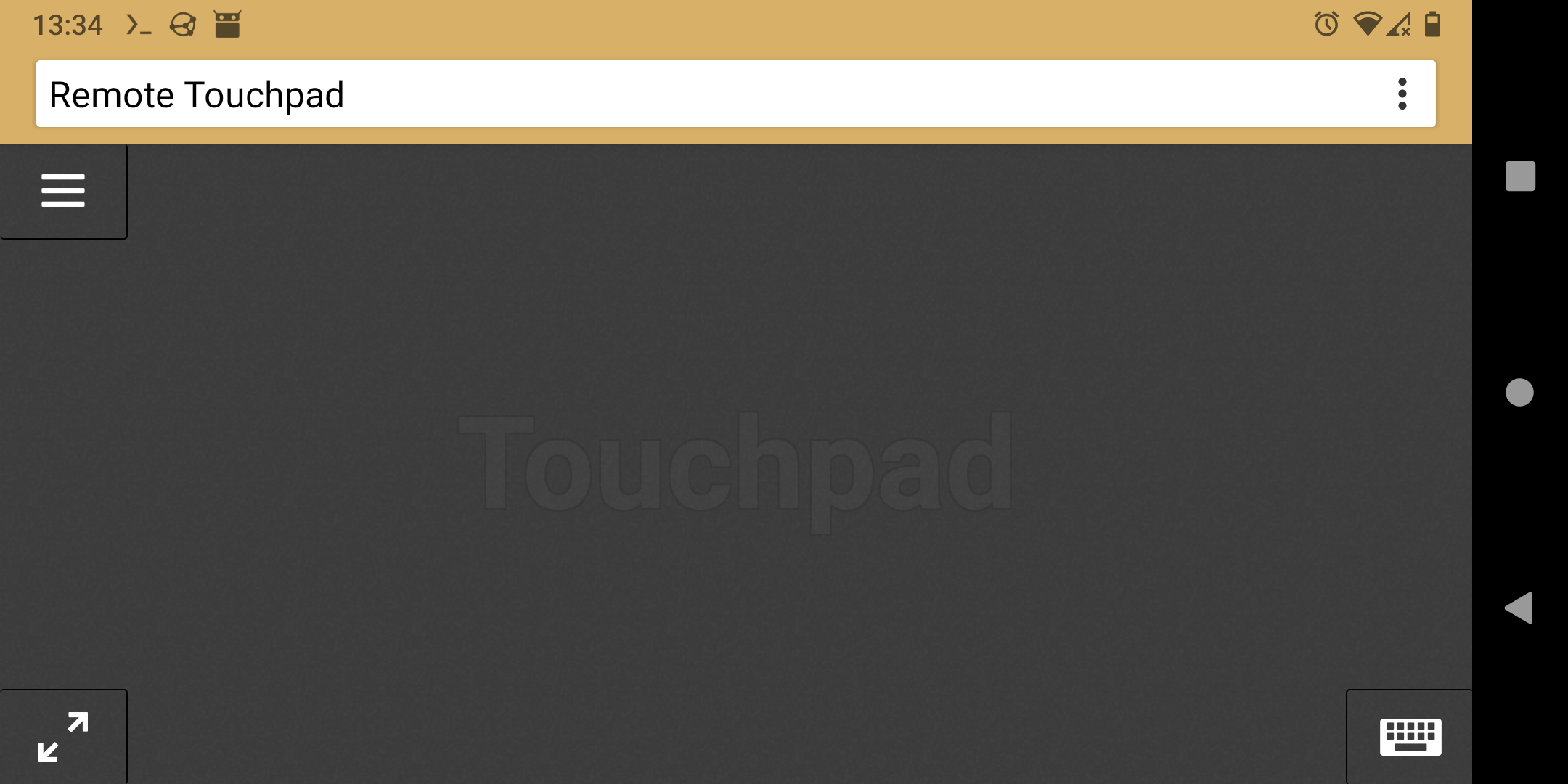
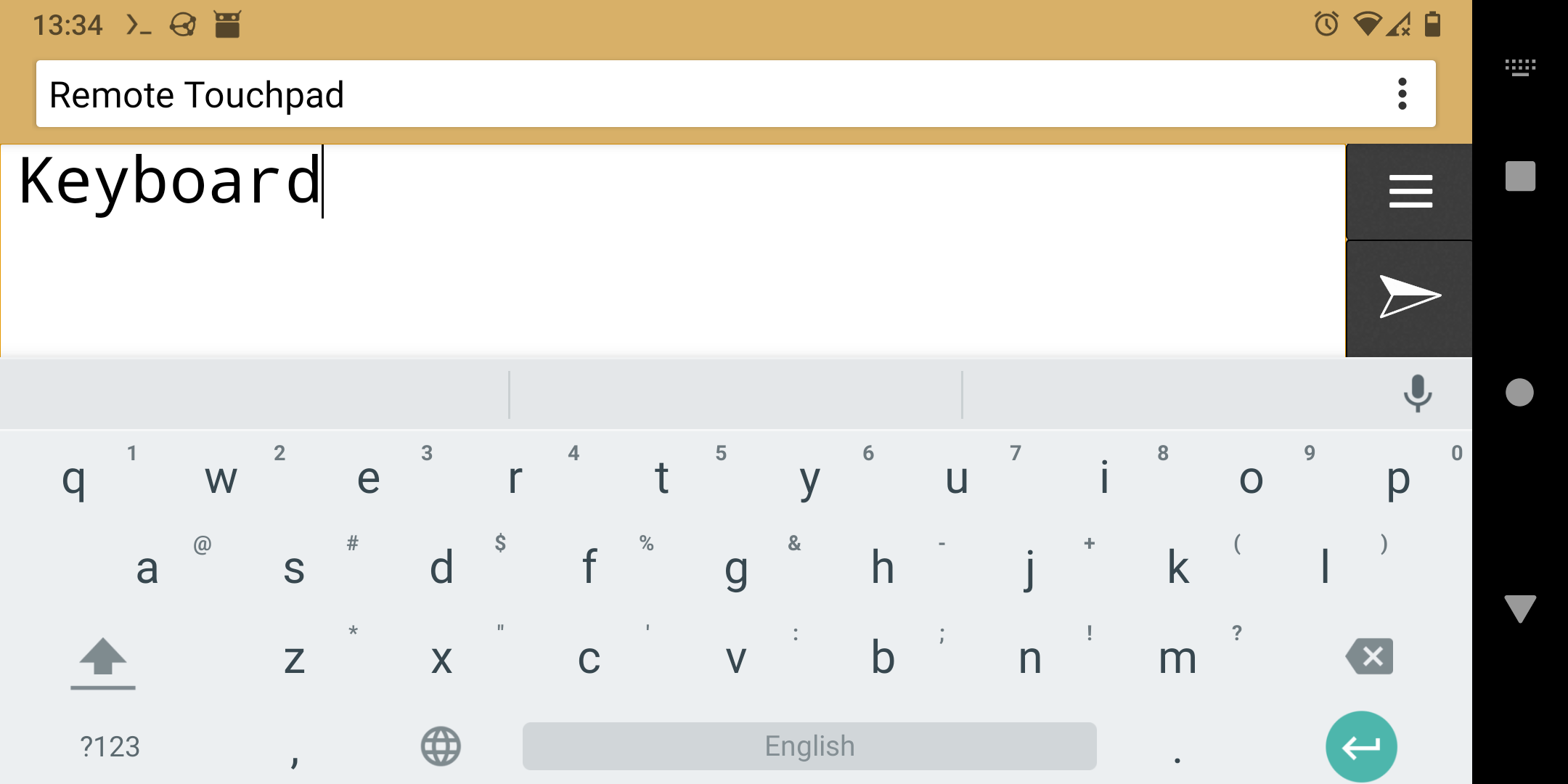
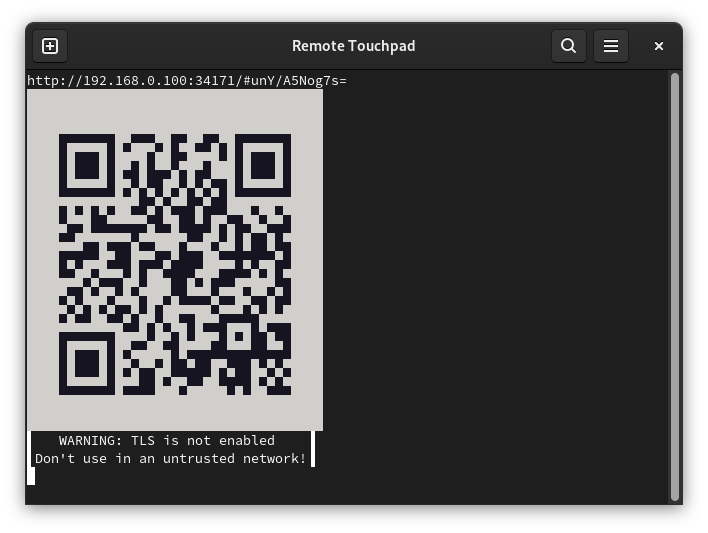
Control mouse and keyboard from the webbrowser of a smartphone (or any other device with a touchscreen). To take control open the displayed URL or scan the QR code.
Supports Flatpak's RemoteDesktop portal (for Wayland), Windows and X11.
Installation
- Flatpak
- Snap
- Windows
- Golang:
-
Portal & uinput & X11:
go install -tags portal,uinput,x11 github.com/unrud/remote-touchpad@latest -
Windows:
go install github.com/unrud/remote-touchpad@latest
-
Linux User Service Installation
To install remote-touchpad as a user-specific systemd service (no root access required):
-
Clone the repository and navigate to the project directory:
git clone https://github.com/Unrud/remote-touchpad.git cd remote-touchpad -
Install the service using the provided wrapper script (no sudo required):
./rts install -
Access the service:
- View service status:
./rts status - Get URL:
./rts url - View logs:
./rts log - Stop service:
./rts stop - Start service:
./rts start - Restart service:
./rts restart - Uninstall:
./rts uninstall
- View service status:
The service will run in the background and maintain a persistent connection with URL and QR code accessible via the url command.
Screenshots