Control mouse and keyboard from a smartphone
| desktop | ||
| flatpak | ||
| icon_font | ||
| screenshots | ||
| snap | ||
| webdata | ||
| CHANGELOG.md | ||
| controller.go | ||
| controller_portal.go | ||
| controller_windows.go | ||
| controller_x11.go | ||
| COPYING | ||
| go.mod | ||
| go.sum | ||
| host.go | ||
| icon_windows.go | ||
| icon_windows.syso | ||
| keysyms.generated.go | ||
| keysyms.generator.go | ||
| keysyms.go | ||
| main.go | ||
| qr.go | ||
| README.md | ||
| terminal.go | ||
| terminal_posix.go | ||
| terminal_windows.go | ||
| webdata.go | ||
Remote Touchpad
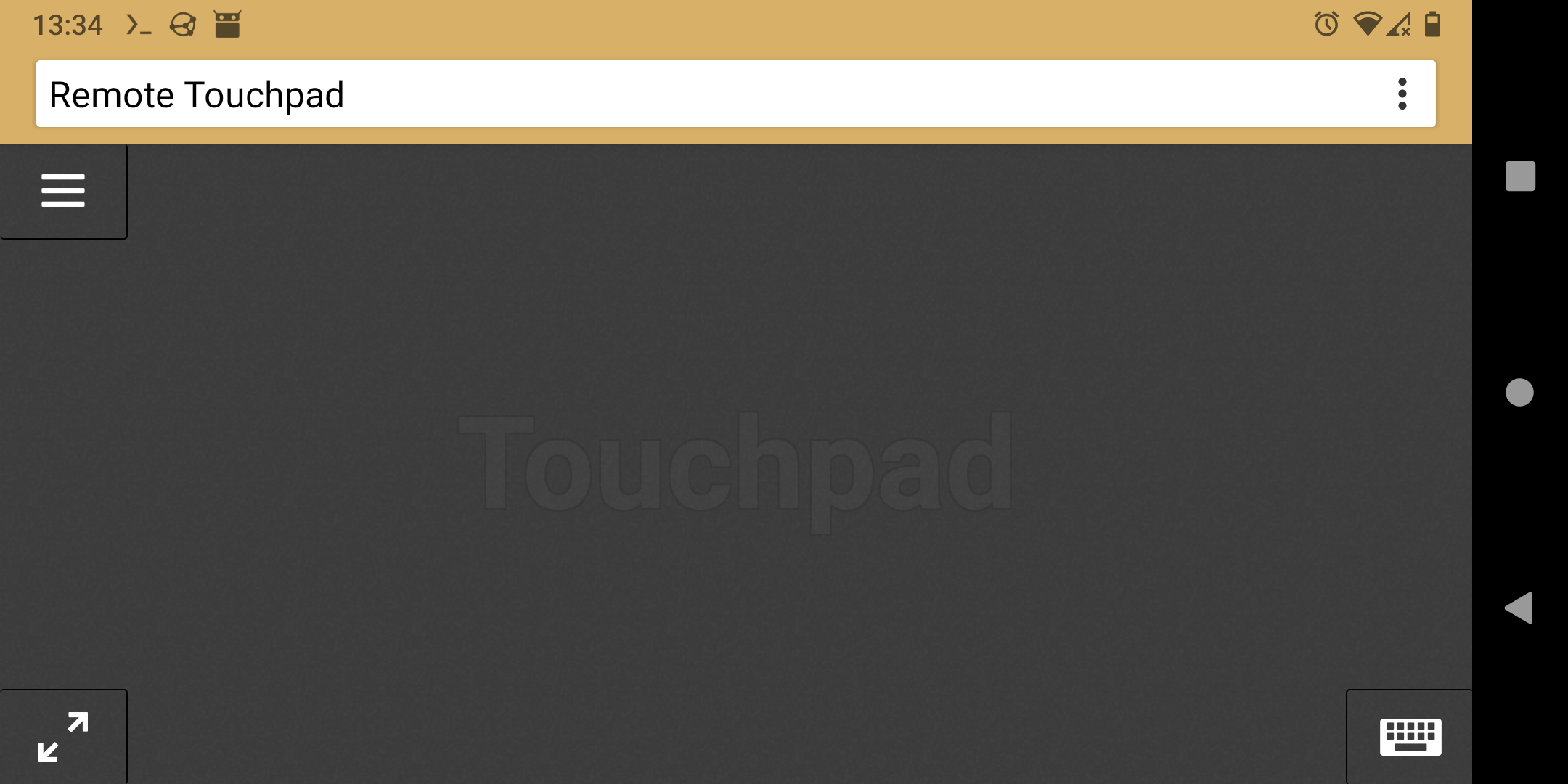
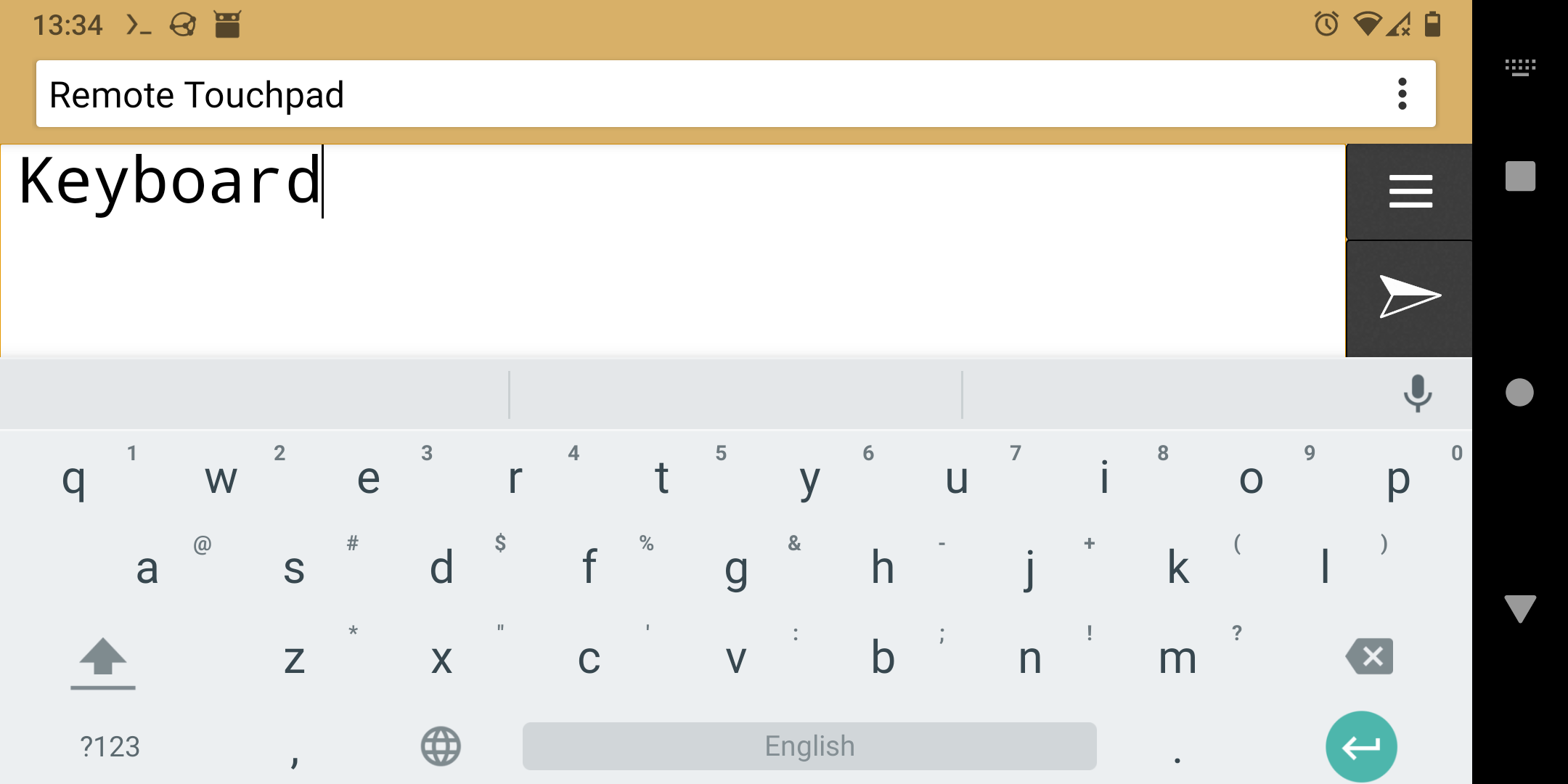
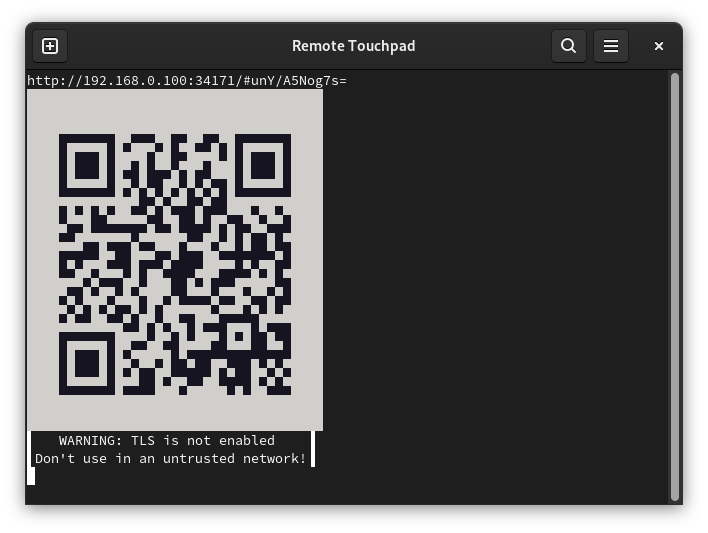
Control mouse and keyboard from the webbrowser of a smartphone (or any other device with a touchscreen). To take control open the displayed URL or scan the QR code.
Supports Flatpak's RemoteDesktop portal (for Wayland), Windows and X11.
Installation
- Flatpak
- Snap
- Windows
- Golang:
- Portal & X11:
go install -tags portal,x11 github.com/unrud/remote-touchpad@latest - Windows:
go install github.com/unrud/remote-touchpad@latest
- Portal & X11:
Command line options
$ remote-touchpad --help

  Usage of remote-touchpad:
    -bind string
       bind server to [HOSTNAME]:PORT (default ":0")
    -cert string
       file containing TLS certificate
    -key string
       file containing TLS private key
    -mouse-move-speed float
       mouse move speed multiplier (default 1)
    -mouse-scroll-speed float
       mouse scroll speed multiplier (default 1)
    -move-speed float
       move speed multiplier (default 1)
    -scroll-speed float
       scroll speed multiplier (default 1)
    -secret string
       shared secret for client authentication
    -update-rate uint
       number of updates per second (default 30)
    -version
       show program's version number and exit
Screenshots