Control mouse and keyboard from a smartphone
 c358f7dcb3
Bumps [golang.org/x/net](https://github.com/golang/net) from 0.4.0 to 0.7.0. - [Release notes](https://github.com/golang/net/releases) - [Commits](https://github.com/golang/net/compare/v0.4.0...v0.7.0) --- updated-dependencies: - dependency-name: golang.org/x/net dependency-type: direct:production ... Signed-off-by: dependabot[bot] <support@github.com> |
||
|---|---|---|
| desktop | ||
| flatpak | ||
| icon-font | ||
| inputcontrol | ||
| screenshots | ||
| snap | ||
| terminal | ||
| webdata | ||
| CHANGELOG.md | ||
| COPYING | ||
| go.mod | ||
| go.sum | ||
| host.go | ||
| icon_windows.go | ||
| icon_windows.syso | ||
| main.go | ||
| README.md | ||
| webdata.go | ||
Remote Touchpad
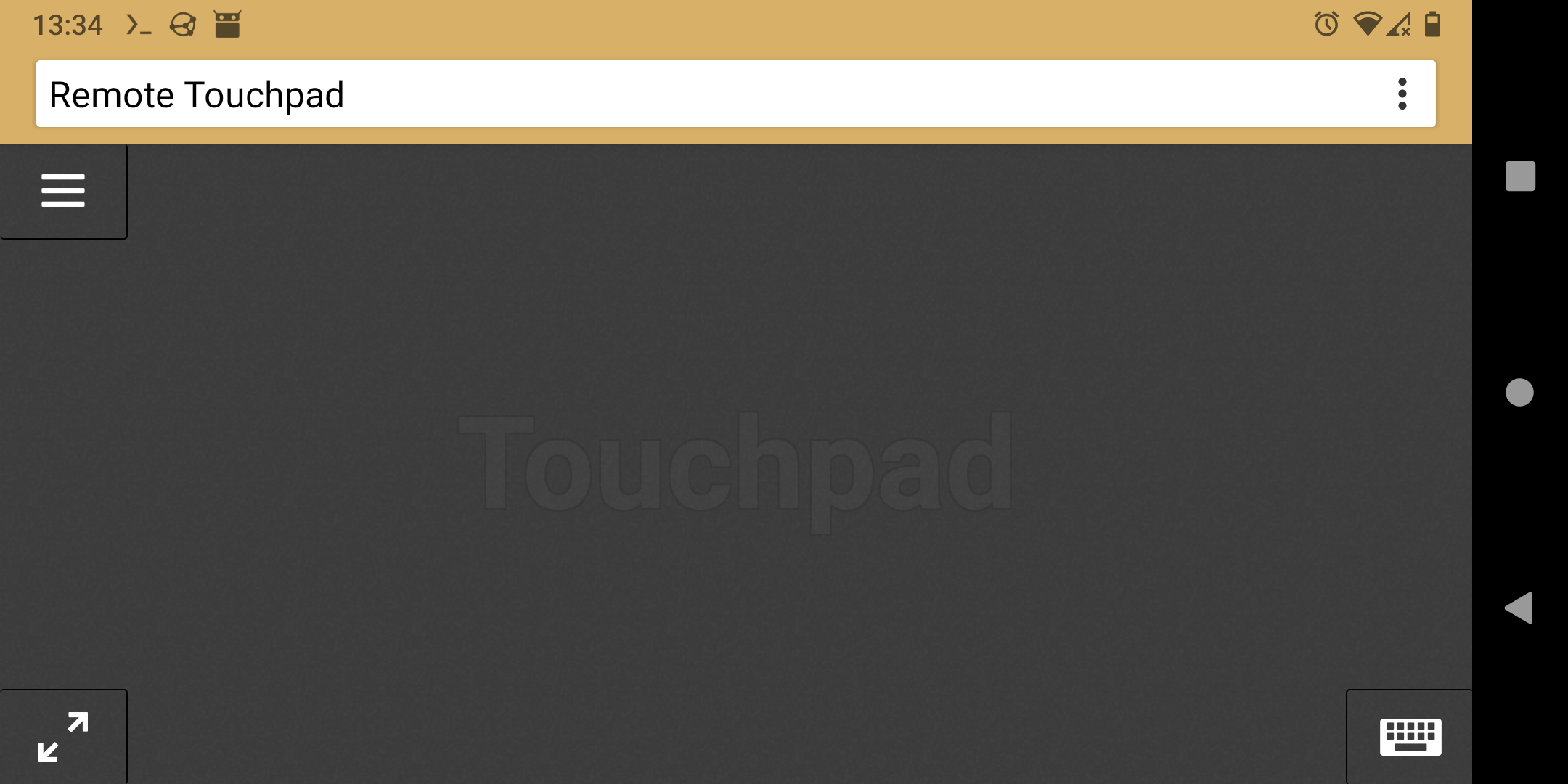
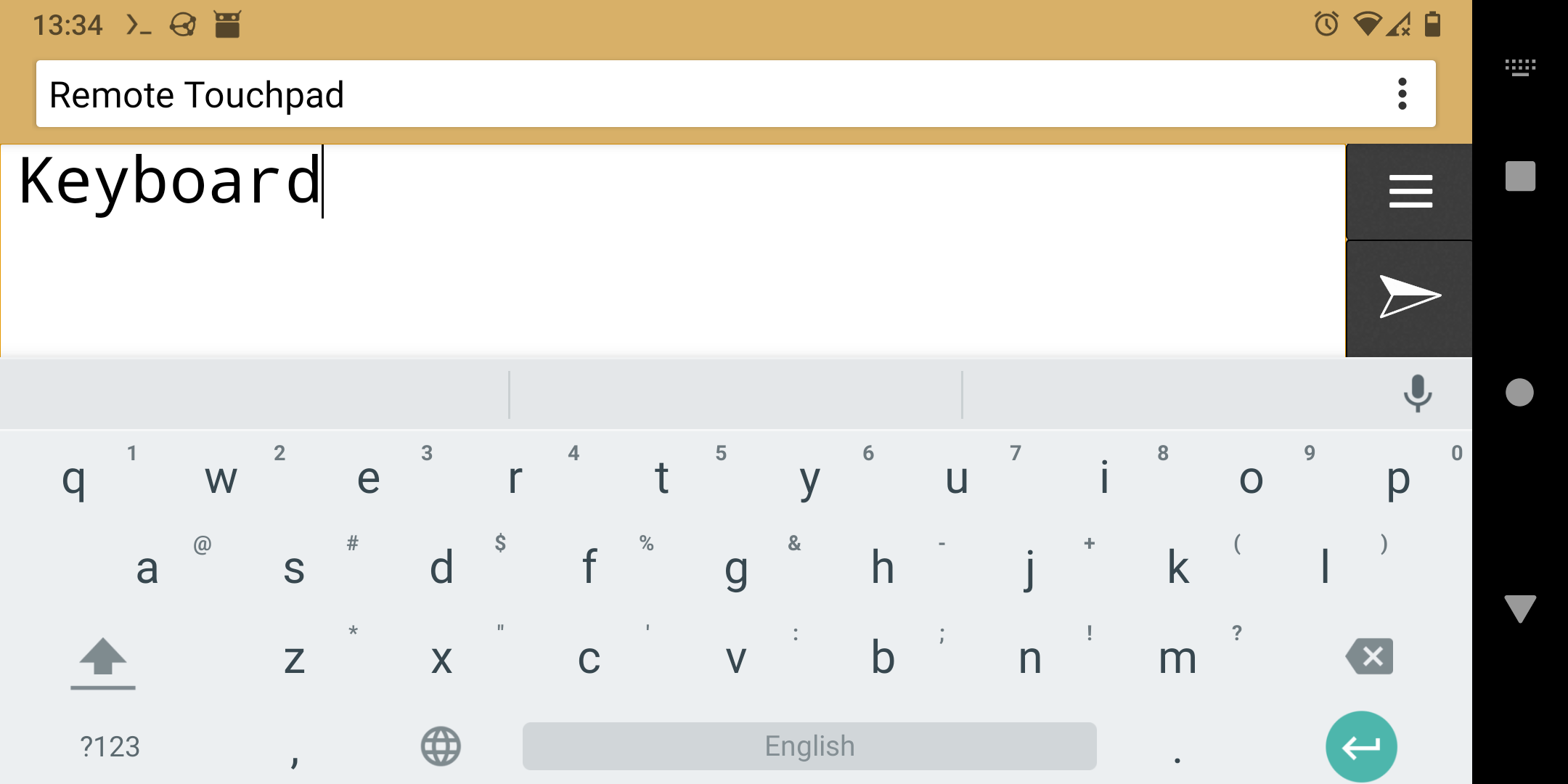
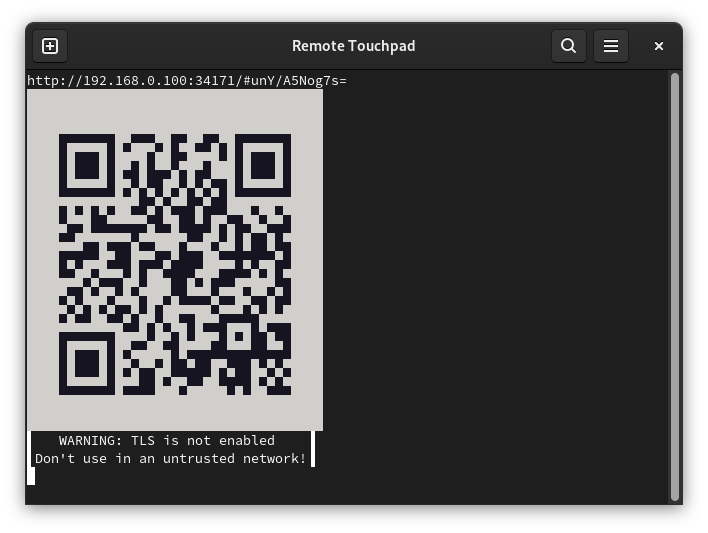
Control mouse and keyboard from the webbrowser of a smartphone (or any other device with a touchscreen). To take control open the displayed URL or scan the QR code.
Supports Flatpak's RemoteDesktop portal (for Wayland), Windows and X11.
Installation
- Flatpak
- Snap
- Windows
- Golang:
- Portal & X11:
go install -tags portal,x11 github.com/unrud/remote-touchpad@latest - Windows:
go install github.com/unrud/remote-touchpad@latest
- Portal & X11:
Screenshots